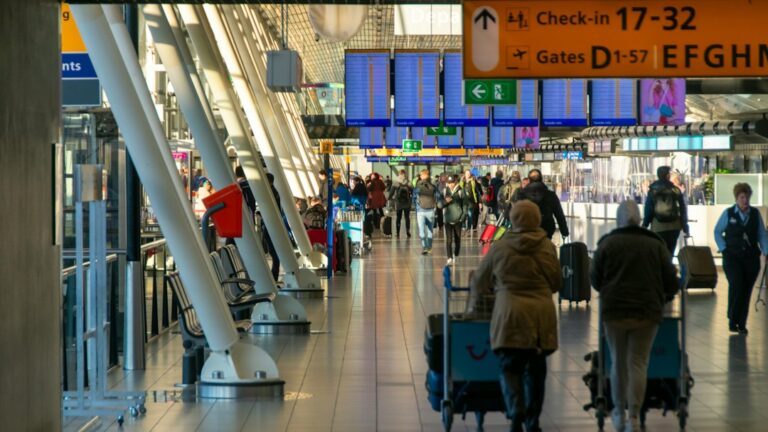


Last winter I watched my checked bag leave on a different plane than I did. I knew because the little dot on my phone sat at a gate in Munich while I boarded for Lisbon.
Two years ago that would have meant three days of guessing and a help desk that somehow knew less than I did. This January, Apple turned that dot into something the airline can act on.
Thirty-six airlines now let you share your bag’s live location with their staff through the Find My app, so the agent behind the counter sees the same map you do. Google added a version for Android travelers too.
I have put a luggage tracker in every checked bag for years, mostly for my own peace of mind. The difference now is that the tracker talks to the airline instead of only to me. Here are the seven rules I follow so a tracker actually earns its keep, from which bags I tag to the exact thing I say at the baggage desk.
1. Share your bag’s live location straight with the airline
The feature that changed things went live on January 12, 2026. In the Find My app you tap your bag’s AirTag, choose Share Item Location, and it builds a web link.
You send that link to the airline’s baggage team, and they open a page that shows your bag on a map and refreshes on its own. They need nothing on their end except a browser.
You do need iOS 18.2 or later, and it works with Apple’s AirTag plus a few Find My network tags like Chipolo and Pebblebee. The link stops working once you get the bag back, or after seven days, whichever comes first.
This one is for anyone flying with a checked bag and an iPhone. Solo travelers and families both, since a single tag per bag is all it takes.
2. Android travelers are not left out
For a long time this was an Apple-only trick, and it quietly pushed a few of my Android friends toward buying an iPhone just for trips. That gap is closing.
Google built the same idea into Find Hub, its tracker app, and began rolling out airline sharing in 2026. The carrier list is shorter so far, with names like British Airways, Aer Lingus, Iberia, Cathay Pacific, and Singapore Airlines signed on.
If you carry an Android phone, pair a Find Hub compatible tag such as a Chipolo or a Moto Tag, then check whether your airline is live yet. The feature spreads carrier by carrier, so recheck before each trip.
I will be honest: Apple’s list is longer right now, so iPhone users get wider coverage. I still would not switch phones over it.
3. Yes, you can put a tracker in your checked bag
I still meet travelers who leave the tracker at home because they heard trackers are banned in the hold. That myth traces back to 2022, when Lufthansa briefly suggested AirTags were not allowed.

It got sorted out within days. On October 13, 2022 the FAA confirmed that AirTags are allowed in checked luggage and are not a hazard, and Lufthansa reversed course.
The reason is the battery. An AirTag runs on a CR2032 coin cell holding about 0.1 grams of lithium, and the FAA threshold for trackers in checked bags is 0.3 grams, so it sits well under the line.
Loose spare lithium batteries still belong in your carry-on, never the hold. The sealed tag inside your bag is fine where it is.
4. Pick a tracker you trust and hide it well
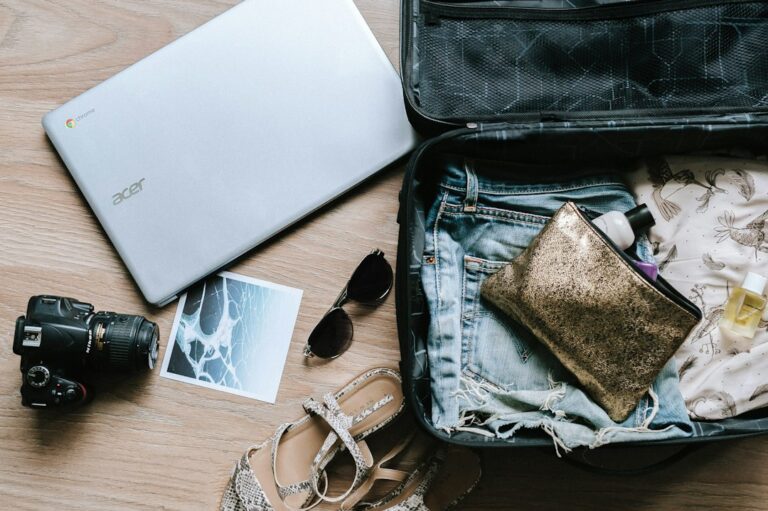
A tracker only helps if it is still in the bag when the bag turns up somewhere strange. I tuck mine deep, not in an outside pocket that a rushed handler or a thief can reach in seconds.

I slip the tag into an inner zip pocket, or inside a packing cube buried in the middle of my clothes. Somewhere it will not rattle loose and will not be the first thing anyone sees.
For the tracker itself, stick with one that rides the big finding networks: Apple’s AirTag for iPhone, or a Chipolo or Moto Tag for Android. Cheap no-name tags often cannot reach those networks, which defeats the whole point.
One tag per checked bag is plenty. I do not bother tagging a carry-on that never leaves my sight.
5. Remember that a tracker is not GPS
Here is the part people get wrong. An AirTag has no GPS and no cell signal of its own, so it is not beaming coordinates up to a satellite.

It pings nearby Apple devices over Bluetooth, and those phones quietly report its location back to you. In a busy terminal that network is dense, so updates land fast.
In a cargo hold at 38,000 feet, or a remote sorting warehouse with no iPhones around, the dot can freeze on its last known spot for a while. That is normal behavior, not a dead tag.
Change the battery before any big trip, since an AirTag runs roughly a year on one cell and you do not want it going quiet at the worst moment. A fresh CR2032 costs a couple of dollars.
6. Check that your bag made the plane before you land
My favorite everyday use has nothing to do with lost bags. It is the quiet check I run at the gate.

Before I board, I glance at the app to confirm my bag’s dot is at the same airport I am. If it has moved toward the aircraft, I relax and get on.
When I land, I look again before I even reach the carousel. If the dot is still parked at my origin city, I know the bag missed the flight while I am still walking up the jet bridge, long before the crowd works it out.
That head start is the real prize. I can be first in line at the baggage desk with the location already on my screen, instead of waiting for the last bag to not show up.
7. When a bag is truly lost, the tracker changes the conversation
A missing bag used to mean describing a plain black suitcase to someone typing into a system and hoping for a match. Now I walk up with an answer instead of a guess.
I open Find My, create the Share Item Location link, and hand it to the baggage agent so they see precisely where the bag sits. If the airline is one of the 36, that link drops right into their tracing tool.
I also screenshot the map with its timestamp for my own records, in case I file a delayed-bag claim later. A specific location speeds up the entire trace.
This is where a tracker pays for itself. The agent is no longer searching blind, and you are not leaning on a barcode scan that may have failed days ago.
A few questions I get asked
Do I need to tell the airline I packed a tracker?
No. You pack it like any other item and only share the location if something goes wrong. The tag stays off their radar until you choose to send the link.
Will the airline actually open the link?
On the 36 participating carriers, staff are set up to open it and match it against their system. On other airlines it still tells you where your bag is, even if they trace it the old-fashioned way.
What I tell every friend before a big trip
A tracker will not stop an airline from misrouting your bag. What it buys you is information, and in a baggage mess information is the thing in shortest supply.
For about twenty-five dollars and the odd battery swap, I always know whether my bag is under the same roof I am. That alone has saved me hours of standing around guessing.
If you check a bag more than once or twice a year, tag it. Share the link only when you need it, keep the battery fresh, and let the little dot do the worrying for you.