
Every travel blog I’ve come across says the same thing: get a VPN before your trip. For a long time, I took that at face value. Then I started actually digging into what a VPN for travel does, talked to people who genuinely understand online security, and walked away with a much more grounded take.

Here it is upfront: most travelers, on most trips, to most destinations, do not need a VPN. The security argument you’ve probably heard, that public Wi-Fi is dangerous and a VPN will protect you, is largely outdated for anyone visiting standard https websites. That’s almost every site you’ll use.
That said, there are real situations where a VPN earns its place. I’ll walk through all of them honestly in this post, including the one case where skipping a VPN could genuinely cost you access to the internet, and the one tool that matters far more for your security than any VPN ever could.
Why So Many Blogs Push VPNs
Before getting into whether you actually need one, I think it’s worth being transparent about something. VPN companies pay strong affiliate commissions. That means when a travel blog tells you a VPN is essential, there’s a financial incentive behind that recommendation, whether or not the writer has looked closely at what VPNs actually do.

I’m not saying those recommendations are dishonest. But I do think a lot of travel content around VPNs is built on a premise that gets repeated rather than examined. The reality is more nuanced, and I’d rather give you an accurate picture than a simple sell.
What a VPN for Travel Actually Does
A Virtual Private Network reroutes your internet connection through a server in another location, masking your real IP address and making it appear as though you are connecting from somewhere else. That’s the core of what it does.

Two things follow from this. First, it can help you access websites that are blocked in the country you’re visiting, because if your connection appears to come from outside that country, the local restrictions don’t apply. Second, it prevents others on the same network from seeing which websites you’re visiting, because your traffic goes through an encrypted tunnel.
What it does not do, and this is where most travel advice falls short, is add meaningful security on top of an already secure website.
The Truth About Public Wi-Fi Security
The fear that drives most VPN recommendations goes something like this: if you use your credit card or log into accounts on café or airport Wi-Fi, a hacker on the same network can steal your information.
That was a real concern years ago. It’s far less relevant now.
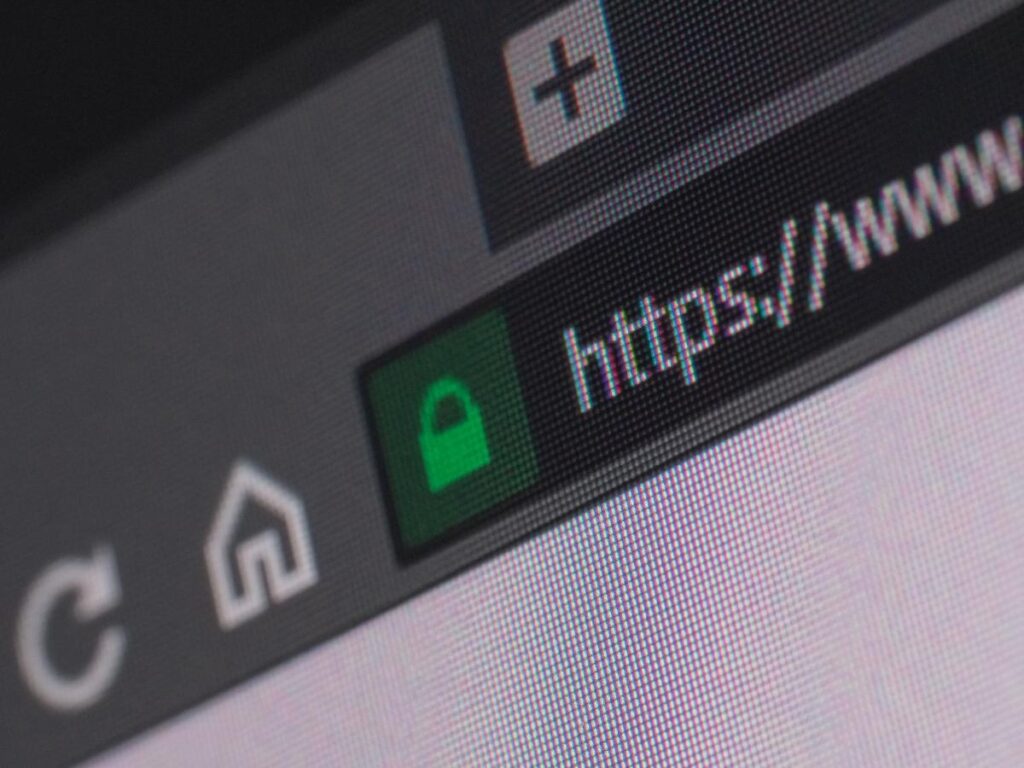
The reason is https. Virtually every serious website today, including financial platform, booking site, email service, or social media app, uses https rather than the older http protocol. You can see this in your browser’s address bar. When a site uses https, the data exchanged between you and that site is encrypted end-to-end before it even leaves your device. A VPN cannot add to that encryption because the protection is already there, sitting underneath whatever network you’re on.
In practical terms: on an https website, it genuinely does not matter whether you’re on your home Wi-Fi or a hostel network in Vietnam. The contents of what you send and receive are secure from everyone except you and the website.
There’s also the question of how realistic a public Wi-Fi attack actually is. Anyone attempting to intercept your traffic would need to be physically present on the same network, actively running attack software, at real personal risk of being identified, for an average payout of somewhere between ten and twenty dollars per credit card if they managed to get anything useful at all. Sophisticated hackers go after company databases holding thousands of records, not individual travelers ordering breakfast from a café.
This doesn’t mean risk is zero. But it’s worth having an accurate sense of the actual threat rather than a vague fear of public networks.
When You Do Need a VPN for Travel
Traveling to Countries with Internet Censorship
This is the clearest case, and it’s a genuine one. Some countries restrict access to parts of the internet at a government level. China is the most significant example for travelers, the so-called Great Firewall blocks access to Google, Gmail, Instagram, WhatsApp, most Western news outlets, and a large portion of the wider internet.

A VPN works here because it makes your connection appear to originate from outside China. If your device looks like it’s in Singapore or the US, the blocks don’t apply to you.
A few important things to know if you’re traveling to China:
- Set up and test your VPN before you arrive. It can be significantly harder to download or configure VPN software once you’re inside the country.
- Which VPNs work reliably in China changes over time. The authorities actively try to block VPN services, so check recent recommendations from people living there, not older blog posts.
- Free VPNs don’t work reliably in China. This is one situation where paying for a tested, reputable service is worth it.
Other countries with notable internet restrictions include Russia, Iran, Turkey (periodic blocks), and parts of the Middle East. If you’re unsure about your destination, it’s worth checking before you travel.
Privacy on Public Wi-Fi
Even on https sites, one thing a VPN does provide is hiding which websites you’re visiting from others on the same network. They can’t see what you’re doing on those sites, but without a VPN they could potentially see that you visited them.

For most people on most trips, this won’t matter. But if you’re researching something sensitive, handling personal legal or financial matters, or simply want full privacy over your browsing patterns, a VPN adds a genuine layer here. It’s a more honest use case than the security argument, and worth factoring into your decision.
Getting Better Prices on Flights or Accessing Streaming from Home
Some travelers use VPNs to appear as though they’re booking from within a specific country, which can sometimes surface lower prices on domestic airline routes. Results vary by airline and route, so it’s worth experimenting with, but it’s not a guaranteed strategy.
Streaming is the other practical use. If you’re abroad for an extended trip and want access to your home Netflix library, a VPN can sometimes help. The catch is that streaming platforms increasingly detect and block VPN connections, so it doesn’t always work reliably.
VPN Options Worth Considering
If you’ve decided a VPN makes sense for your trip, here’s an honest breakdown of the main options.
TunnelBear is where I’d start for most travelers. It’s genuinely easy to use, has one of the strongest privacy policies of any VPN, and has undergone an independent security audit with published results, which is rare in this industry. There’s a free version with limited data that’s worth downloading just to have available. Paid plans run around $60 per year or $10 for a single month.
NordVPN consistently gets strong reviews from tech publications and is a capable product. The caveat worth knowing: it experienced a server breach that the company kept private for several months before disclosure. How a company handles security incidents says a lot about their priorities. It remains widely used, but that history is relevant when you’re choosing a privacy tool. Priced at around $84 per year.
Astrill is the current go-to among expats actually living in China. It’s more expensive at around $100 per year, but if getting around the Great Firewall is your primary need, it’s the most reliably recommended option from people with current firsthand experience.
ExpressVPN shows up in a lot of travel blog recommendations. It’s a solid product, but at roughly $100 per year it’s among the more expensive options without offering a clear advantage for most travelers over the alternatives above.
One thing worth knowing: the underlying technology across reputable VPNs is broadly similar. What actually distinguishes one provider from another is how seriously they take your privacy, whether they log your activity, how transparent they are about security incidents, and what their privacy policy actually says. That matters more than any feature comparison.
What Matters More Than a VPN: A Password Manager
If there’s one security tool that makes a real, practical difference for travelers, it’s a password manager, and it matters far more than a VPN for most people.
Here’s how accounts actually get compromised in the real world. Someone reuses the same password, or a close variation, across multiple sites. One of those sites gets breached; this happens constantly, to large and small companies alike. The stolen credentials get tested against other accounts: email, banking, travel booking platforms. If the password matches, the attacker is in.
If you’ve been using the same password, or small variations of it, across multiple accounts for any real length of time, there’s a good chance it has already appeared in at least one data breach. You can check your email address at haveibeenpwned.com to see if it has.
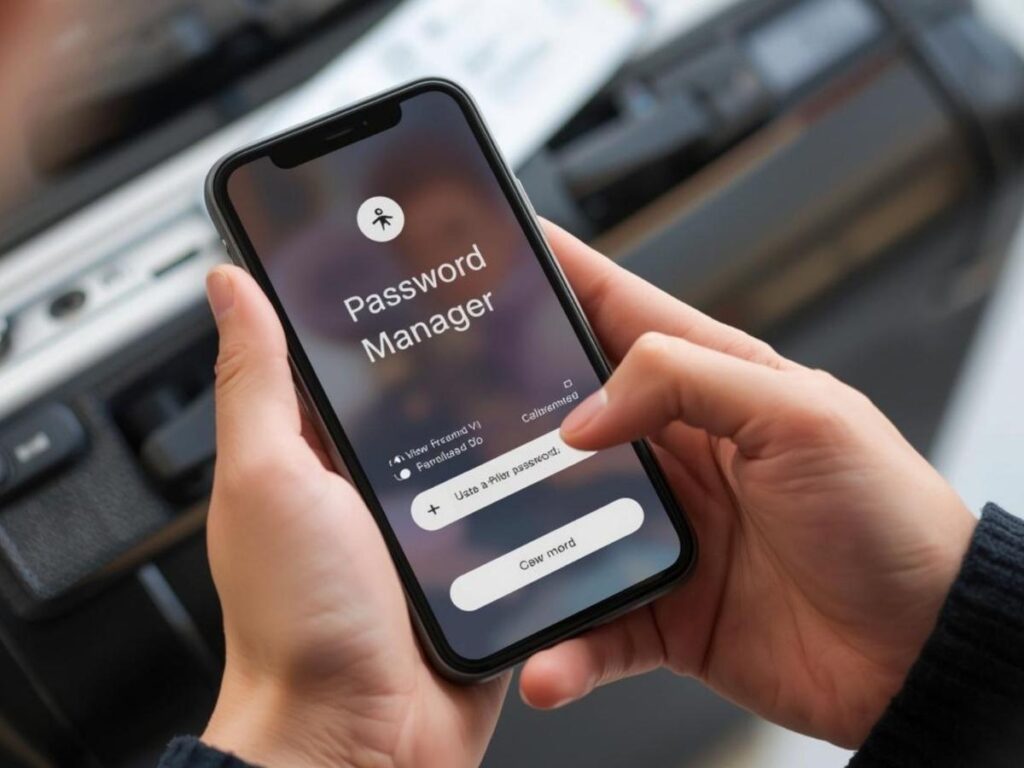
A password manager fixes this entirely. It generates and stores a unique, complex password for every account you have. You only remember one strong master password, and the manager handles the rest, filling in credentials automatically when you log in anywhere.
The one theoretical weakness, having all your passwords in one place, is actually a far rarer type of attack than the password-reuse attack it protects against. You’re trading a very common vulnerability for a much less likely one. That’s a good trade.
LastPass and 1Password are both well-regarded and work well on mobile, which matters when you’re logging into things on the road. Keeping a password manager running while traveling is one of those small habits that genuinely reduces your actual risk, as opposed to VPNs which mostly address a risk that has been overstated.
One More Security Tip: Avoid Public USB Ports
While we’re here: public USB charging stations are a more practical attack target than public Wi-Fi. Someone can install compromised hardware in a USB port and walk away, no need to be present, no real risk of getting caught. When you plug your phone or laptop into an unknown USB port, you’re potentially opening a channel for software to be installed on your device.

The fix is simple. Carry your own charger and use a standard power outlet. If you’re ever in a situation where a USB port is the only option, a USB data-blocking adapter (sometimes called a “USB condom”) costs a few dollars, weighs nothing, and passes power through while blocking any data transfer entirely.
Final Thoughts
The short version: you probably don’t need a VPN for travel, at least not for the security reasons you’ve most likely been given. The encryption that protects your data on https websites is already there, and a VPN doesn’t add to it.
Where a VPN genuinely earns its place is in countries with internet censorship, particularly China, and in situations where you care about keeping your browsing habits private on shared networks. Those are real use cases, and worth planning for if they apply to your trip.
What matters more for most travelers is a password manager. If you only do one thing after reading this, set that up first.
For more practical travel tips and honest destination guides, explore everything at Travel with Zee.
Do I need a VPN for travel to Europe?
Generally no, for security purposes. Any serious website you’ll use, such as banking, booking, or email, runs on https, which encrypts your data regardless of the network you’re on. A VPN may be worth using for privacy reasons, but it’s not a security necessity in Europe or most parts of Southeast Asia and Latin America.
Do I need a VPN for travel to China?
Yes, if you want access to Google, Gmail, Instagram, WhatsApp, and most Western websites. China’s Great Firewall blocks a large portion of the internet for anyone connecting from within the country. Get your VPN installed and tested before you arrive; it’s much harder to set up once you’re there.
Is public Wi-Fi actually dangerous without a VPN?
Less dangerous than most travel content suggests. On https websites, your data is encrypted regardless of whether you’re on public or private Wi-Fi. The realistic threat on a shared network is much lower than the fear-based framing implies. The main thing a VPN adds on public Wi-Fi is hiding which sites you’re visiting, useful for privacy, but not the security emergency it’s often made out to be.
What’s the best VPN for travel?
TunnelBear is a good starting point for most travelers, easy to use, strong privacy policy, independently audited. For travel specifically to China, Astrill is currently recommended by long-term expats as the most reliable option. The right choice depends on where you’re going and what you need it for.
Is a VPN or a password manager more important for travel security?
A password manager makes a more meaningful difference for your actual security. Password reuse is one of the most common ways accounts get compromised, and a password manager eliminates that risk. A VPN is useful in specific circumstances but is frequently oversold as a general security tool.
Are free VPNs worth using for travel?
For occasional light use, the free tier from a reputable paid VPN, like TunnelBear’s 500MB free plan, is worth having as a backup. Standalone free VPN apps are generally not reliable, especially in countries with censorship, and some have questionable privacy practices that undercut the whole point of using one.