
I’ll be honest, I used to be that person who would show up at airports with printed confirmation emails and a crumpled map in my bag. Then I discovered how much easier (and cheaper) travel could be with the right apps on my phone.
Over the years, I’ve tested dozens of travel apps, and while many promised to change my life, only a handful have actually earned a permanent spot on my home screen. The best part? Every single app I’m sharing with you today is completely free.
Whether you’re planning a weekend getaway or a months-long adventure, these apps will help you book smarter, navigate easier, and travel with more confidence. Here’s everything I use, why I love each one, and how they’ve saved me time, money, and more than a few headaches along the way.
Flight Booking and Price Tracking Apps
Skyscanner
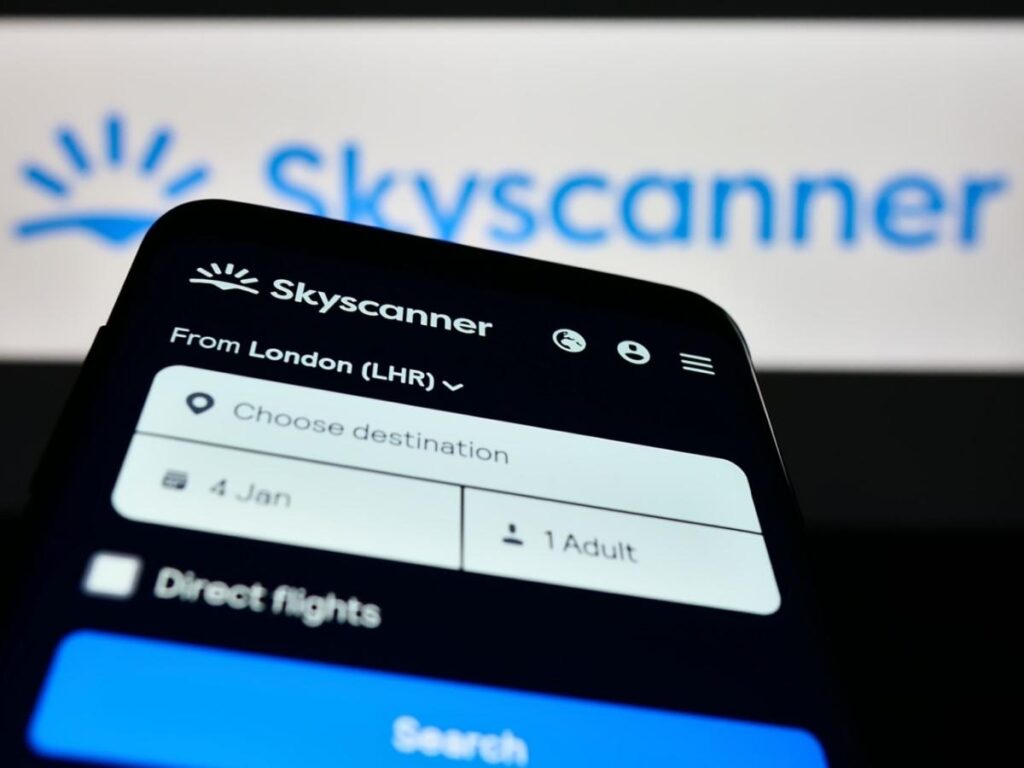
If I could only keep one flight search app on my phone, it would be Skyscanner. I’ve compared it to every other platform out there, and it consistently finds the best prices without those ridiculous overnight layovers or departures at 4 AM.
What I love most is the “Cheapest Month” feature. Instead of searching for specific dates, you can see where you can fly for the lowest price in any given month. This is perfect when you have flexible dates and just want to go somewhere new without breaking the bank.
I also prefer booking one-way flights rather than round-trips. This gives me the freedom to explore multiple destinations without having to circle back to where I started.
Hopper
Hopper has become my secret weapon for timing flight purchases perfectly. The app analyzes millions of flight prices up to a year in advance and tells you exactly when to book based on historical trends and current market conditions.
You can watch specific routes, and Hopper will send you a notification when it’s the best time to buy. I’ve saved hundreds of dollars by waiting an extra week or booking a few days earlier based on their recommendations.
The app recently added hotel price tracking too, which has been incredibly helpful for planning longer trips.
Accommodation Apps
Airbnb
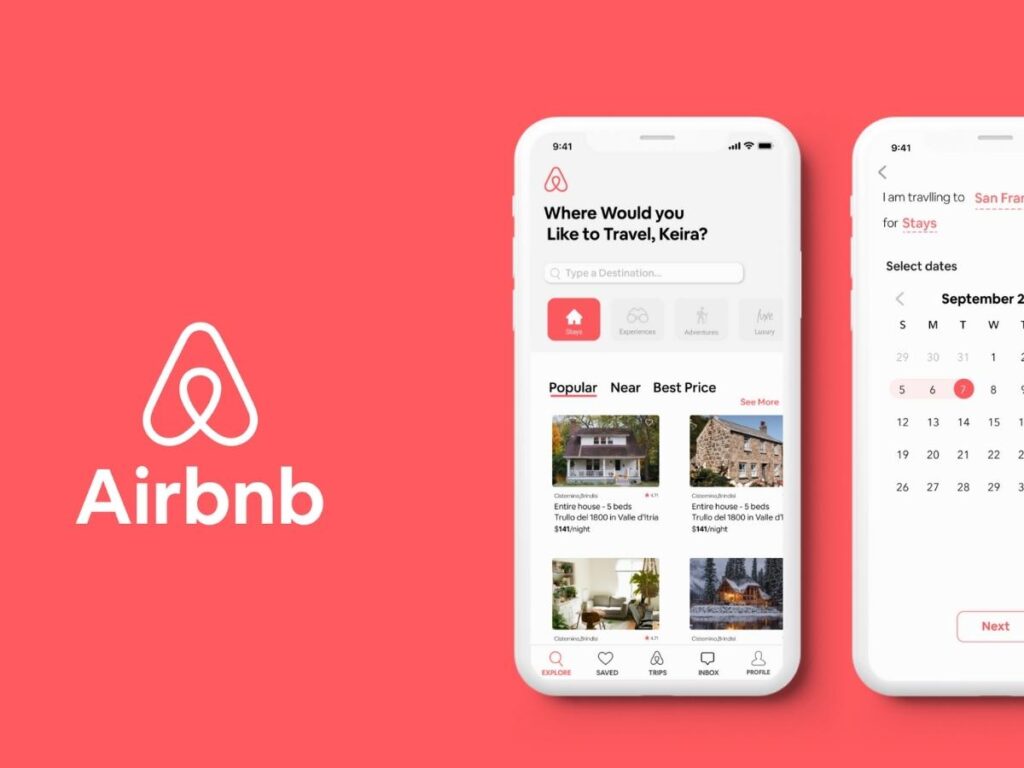
I’ve stayed in everything from tiny studios in Paris to sprawling villas in Bali, and Airbnb has been my go-to for finding unique places that actually feel like home. The messaging system makes it easy to get detailed directions from hosts (essential when you’re navigating unfamiliar neighborhoods), and the review system gives you a genuine sense of what to expect.
One thing I always do is filter by “Superhost” status. These hosts have proven track records, and I’ve rarely been disappointed. The photos are usually accurate, the check-in process is smooth, and they’re responsive when you have questions.
Just make sure the city you’re visiting allows short-term rentals, some destinations have restrictions.
Booking.com
When Airbnb doesn’t have what I’m looking for, I turn to Booking.com. The app is fantastic for last-minute bookings when you’re traveling spontaneously. During my three weeks wandering around Bali, I used it to find guesthouses and homestays on the fly, often booking just a day or two in advance.
After a few bookings, you unlock “Genius” status, which gives you access to better rates and deals that aren’t available to everyone else. I’ve also noticed that Booking.com often has different room options than other platforms, sometimes at significantly lower prices.
The free cancellation policy on many properties is a lifesaver. I’ve had to change plans more than once when a place didn’t match its photos, and being able to cancel without penalty made the situation so much easier.
Transportation and Route Planning Apps
Rome2Rio
I discovered Rome2Rio by accident while planning a trip through France, and now it’s one of the first apps I check when figuring out how to get from one place to another. The app doesn’t just show you train or bus options, it shows you every possible way to travel, including flights, ferries, and even rideshares.
What makes it special is how clearly it compares travel times and costs across different transportation methods. You can see at a glance whether it’s worth paying more for a faster route or if the budget option is reasonable.
They’ve recently added travel guides to the platform, though I haven’t explored those in depth yet. Based on how reliable their route planning has been, I imagine they’re worth checking out.
Trainline

If you’re traveling through Europe, Trainline is essential. The app breaks down train costs by departure time and class, making it easy to find the best deal for your schedule. Your ticket comes with a scannable barcode, so you don’t have to worry about printing anything.
I love that you can save multiple route options and compare them side by side before making a final decision. The app also offers bus routes through partners like FlixBus, which are usually longer but perfect when you’re on a tight budget.
Here’s my biggest tip: book as far in advance as possible. I’ve paid $20 for a ticket I booked months ahead and $300 for the same route when I waited until the day of travel. The price difference is shocking.
Roadtrippers
Planning a road trip? Roadtrippers turns route planning into an interactive experience. You add your starting point and destination, then the app suggests interesting stops, scenic routes, and attractions along the way.
I wish I’d known about this app during some of my earlier road trips. It highlights places you might never think to visit, quirky roadside attractions, beautiful viewpoints, and local favorites that don’t show up on typical tourist lists.
The collaborative feature is genius for group trips. Everyone can add their own stops and notes to the shared map, so you’re all literally on the same page.
Navigation and Maps
Maps.ME
This app has gotten me out of more tight spots than I can count. Maps.ME gives you fully offline maps that work without wifi or data, essential when you’re exploring remote areas or trying to save on international roaming charges.
Before you travel, download the map for your destination while you’re still connected to wifi. Once downloaded, you can search addresses, bookmark locations, and navigate turn-by-turn without using any data.
The only downside is battery drain. Maps.ME uses a lot of power, so I always carry a portable charger when I know I’ll be relying on it heavily.
Essential Travel Tools
Google Translate
I know it seems obvious, but so many people forget to download Google Translate before they leave. The app now supports over 100 languages and can translate in real time using your phone’s microphone or camera.
I’ve used it everywhere from ordering food in Tokyo to asking for directions in rural Italy. The translations aren’t always perfect sometimes they’re hilariously literal, but they’re good enough to get your point across and understand the basics of what someone is saying to you.
The conversation mode, where you can pass the phone back and forth, has been especially helpful in situations where neither person speaks the other’s language.
Valuta Currency Exchanger
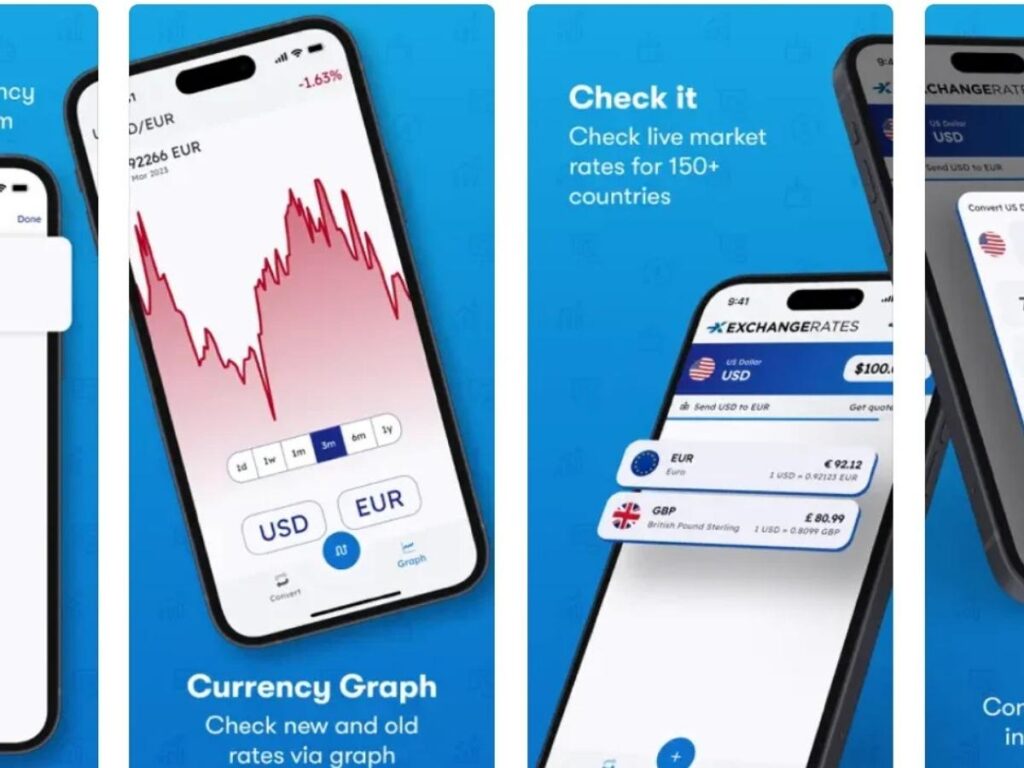
On my recent trip to Bali, I was constantly trying to do mental math to figure out how much I was actually spending. A friend introduced me to Valuta, and it changed everything.
The app provides real-time currency exchange rates for over 160 countries. You can quickly convert prices in your head or check rates on the spot before making a purchase. It’s simple, accurate, and has saved me from both overpaying and missing out on good deals.
TripIt
Since Google Trips shut down, I’ve switched to TripIt for organizing my travel plans. The app creates a master itinerary from all your confirmation emails flights, hotels, restaurant reservations, everything.
Just forward your booking confirmations to TripIt’s email address, and the app automatically adds them to your itinerary. If something doesn’t import correctly, you can manually add or edit the details.
For solo travelers, there’s a great safety feature that lets you share your itinerary with friends or family. They can see where you’re supposed to be in case you need help or something goes wrong.
Trail Wallet
Staying on budget while traveling can be challenging, but Trail Wallet makes it manageable. You can track expenses in multiple currencies, categorize spending (food, transportation, accommodation), and set daily, weekly, or monthly budgets.
The visual breakdown of your spending through charts and graphs makes it easy to see where your money is going. I used this religiously during a trip to Ireland with a friend, and it made splitting shared expenses incredibly straightforward.
I’ve been using Trail Wallet for years, and I won’t travel without it anymore.
Apps for U.S. Travelers
My TSA
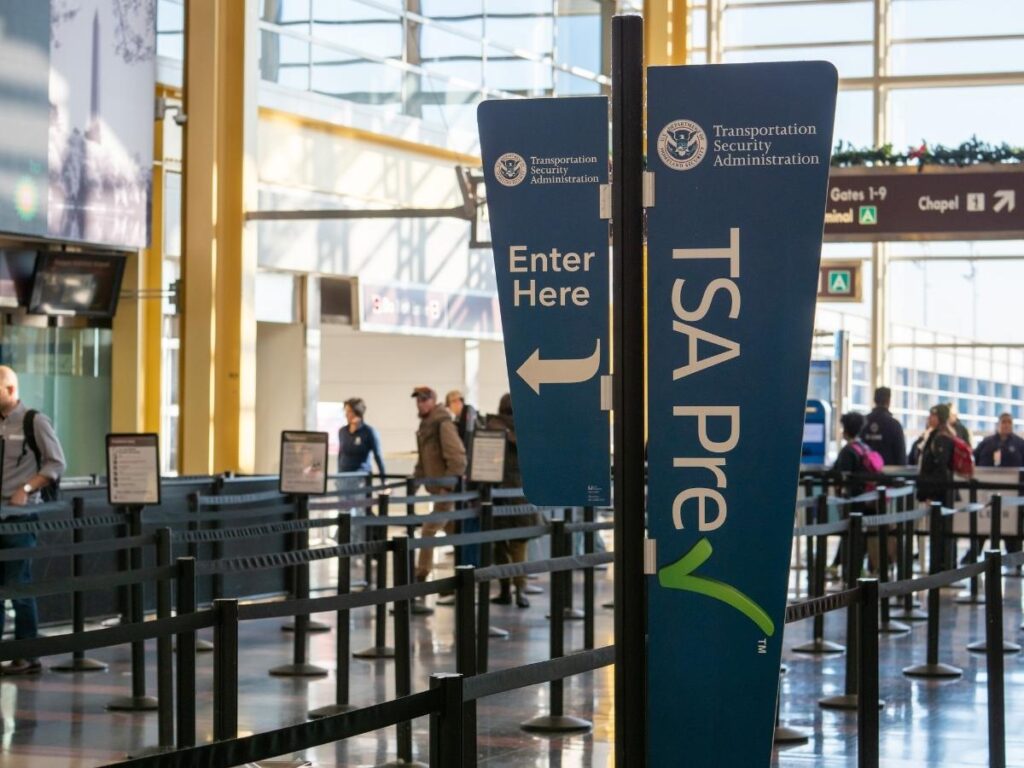
If you’re flying within or to the United States, My TSA is a game-changer. The app shows real-time wait times at security checkpoints in airports across the country, tells you whether TSA Pre-Check is open, and provides delay information and weather conditions.
You can also check what items you’re allowed to bring through security and get live assistance through their social media integration.
If you don’t have TSA Pre-Check yet, seriously consider getting it. Even better, get Global Entry, it includes TSA Pre-Check and speeds up customs when you’re returning from international travel. It completely changed how I experience airports.
Mobile Passport
Mobile Passport offers an alternative to Global Entry for U.S. citizens and Canadian visitors. You can submit your passport and customs declaration information before you land, and many airports have dedicated Mobile Passport lanes that are often shorter than the regular lines.
Unlike Global Entry, there’s no interview process you can download the app and use it immediately. It’s currently available at 26 airports and three cruise ports.
I’ve used Mobile Passport several times when returning from abroad, and it’s consistently saved me 30 minutes or more in the customs line.
Tracking Your Adventures
Polar Steps
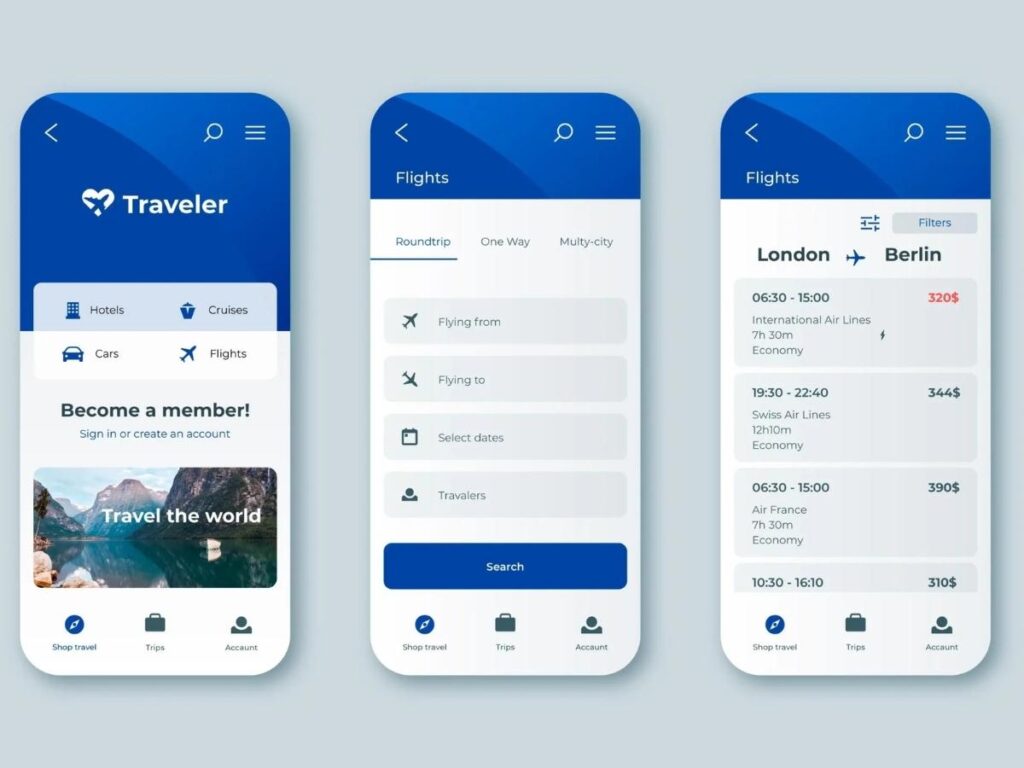
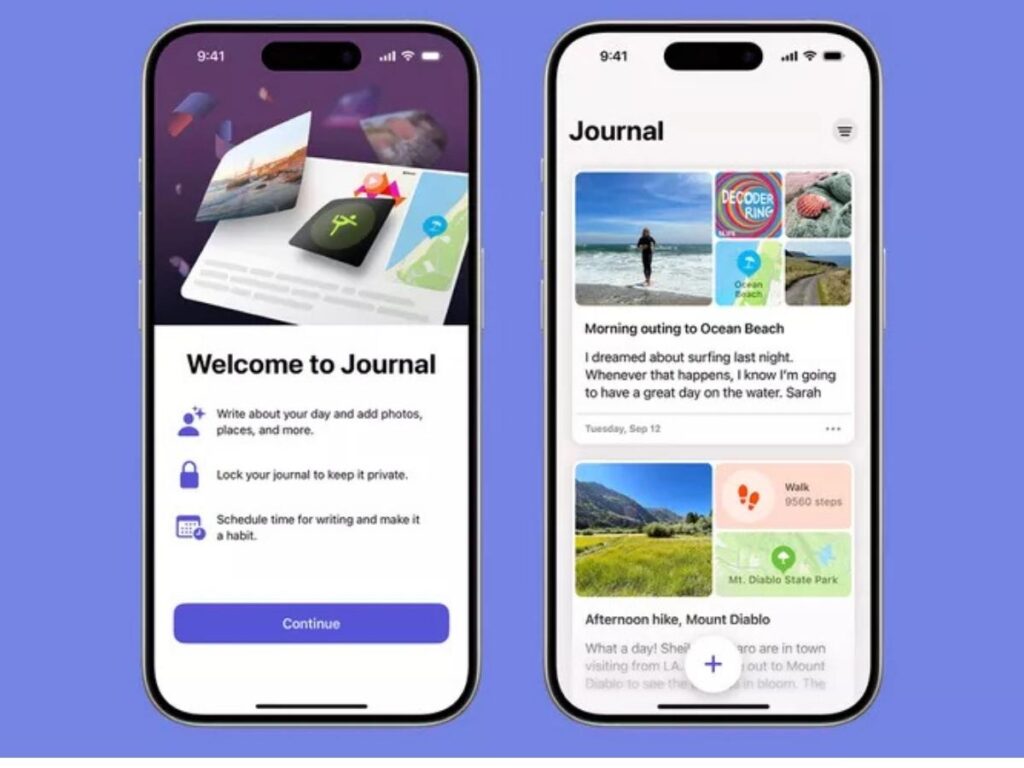
For those of you who like documenting your travels (not just travel writers!), Polar Steps is my favorite way to create beautiful trip recaps. You can add destinations, photos, notes, and maps for each journey.
The app automatically tracks how many miles you’ve traveled and calculates the duration of each trip. Over time, it gives you a lifetime count of countries visited.
My favorite feature is the ability to create a printed book of your travels. Once you’ve finished a trip, you can order a professionally designed book with all your photos and stories. I have a few on my shelf, and they’re wonderful keepsakes to flip through on quiet evenings at home.
Final Thoughts
These apps have genuinely transformed how I travel. I’m more organized, I spend less money, and I waste less time trying to figure things out on the go. The combination of smart planning tools and on-the-ground navigation has given me the confidence to explore more freely and take more spontaneous detours.
Every traveler has different needs, so I recommend trying a few of these to see what works best for your style. Start with the basics Skyscanner, Google Translate, and Maps.ME and build from there based on where you’re going and what kind of trip you’re planning.
If you have any favorite travel apps I didn’t mention, I’d love to hear about them. I’m always looking to add new tools to my arsenal. Safe travels, and I hope these apps make your next adventure a little smoother.
What are the best free apps for booking cheap flights?
Skyscanner and Hopper are my top recommendations for finding cheap flights. Skyscanner has the best search functionality and consistently finds low prices, while Hopper helps you time your purchase perfectly by analyzing price trends.
Which travel app is best for offline navigation?
Maps.ME is the best option for offline navigation. Download the map for your destination before you leave, and you’ll have full access to turn-by-turn directions, address search, and points of interest without needing wifi or data.
Do I need TSA Pre-Check if I have the Mobile Passport app?
Mobile Passport is helpful, but TSA Pre-Check provides a better overall experience. Pre-Check gets you through security faster with dedicated lanes, while Mobile Passport only speeds up the customs process when returning to the U.S. I recommend getting Global Entry, which includes both benefits.
What’s the best app for tracking travel expenses?
Trail Wallet is the best app for tracking travel expenses. It supports multiple currencies, lets you categorize spending, set budgets, and provides visual charts showing where your money is going. It’s perfect for both solo travelers and groups splitting costs.
Are Airbnb or Booking.com better for finding accommodation?
Both have their strengths. Airbnb is better for unique stays and longer trips where you want a more local experience. Booking.com excels at last-minute bookings, offers more traditional hotels and guesthouses, and often has better cancellation policies. I use both depending on where I’m going and what I’m looking for.